

Hours of Operation
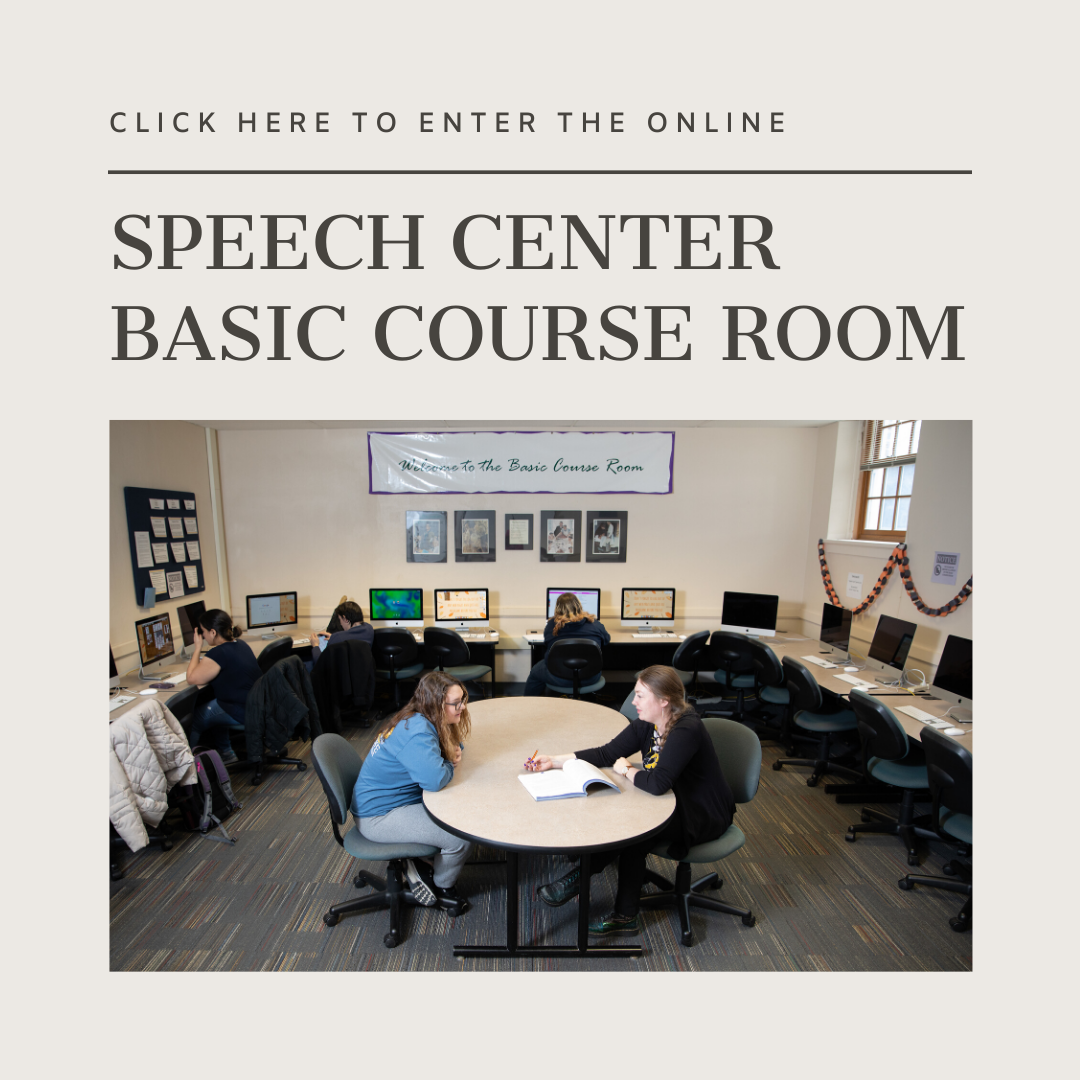
The Basic Course Room is an open lab available to current CMST 1110 students. The Basic Course Room will be open Wednesdays from 8 - 11 A.M.
This is a free service offered by UNO. These hours are available both in-person in 183 ASH and online via Zoom.
How to Access Zoom
- Click Sign in and use your UNO NetID (e.g.: jsmith) and associated password
- Students receive a FREE Basic license when they log in.
- The Zoom Download Center can be used to download the client applications, Outlook plugins and mobile versions of Zoom.
- Only the meeting organizer needs to have a Zoom account. Anyone can be invited and join the session without having to create a zoom account!
- Your consultant will work with you during the time you are logged into Zoom.
- Log in to Zoom
How to Use Zoom
New to Zoom? Learn the basics! For users of Outlook, installing the Zoom Plugin for Microsoft Outlook lets you add a zoom meeting right to your Outlook meeting. Invitation information can also be copied/pasted directly into an email message.
Join a Meeting
If this is your first time using Zoom, follow the prompts on the screen.
Configuring Audio/Video
If you see the "Join Audio" icon in the bottom left corner of your screen, click it to join.